Laptop Buying Guide 2026: How to Choose the Right One for You

Let’s be honest: buying a laptop is still stressful.

You open a browser, type in “best laptop 2026,” and suddenly you’re drowning in jargon. AI accelerators, OLED vs. QD‑LED, Snapdragon X Elite, Copilot+ PC, Thunderbolt 5. It feels like you need a computer science degree just to pick a machine for email and Netflix.

But here’s the truth: the “best” laptop isn’t the one with the highest spec sheet. It’s the one that actually fits your life—whether you’re a student juggling AI‑powered study tools, a creative editing 8K video, or a remote worker who lives on video calls.

This guide cuts through the noise. Let’s find your next machine.

The OS Debate: Apple, Windows, or ChromeOS?

Your ecosystem choice still dictates your entire experience, but in 2026, the lines are blurrier—and AI is everywhere.

· Apple (macOS Sequoia): Apple’s M‑series chips (now M4 and M5) continue to dominate in battery life and raw efficiency. If you’re embedded in the Apple ecosystem (iPhone, iPad, iCloud), the synergy is unmatched. The MacBook Air remains the gold standard for students and professionals who want all‑day battery without a fan. Downsides: gaming is still limited, and upgrading RAM or storage at purchase is pricey.
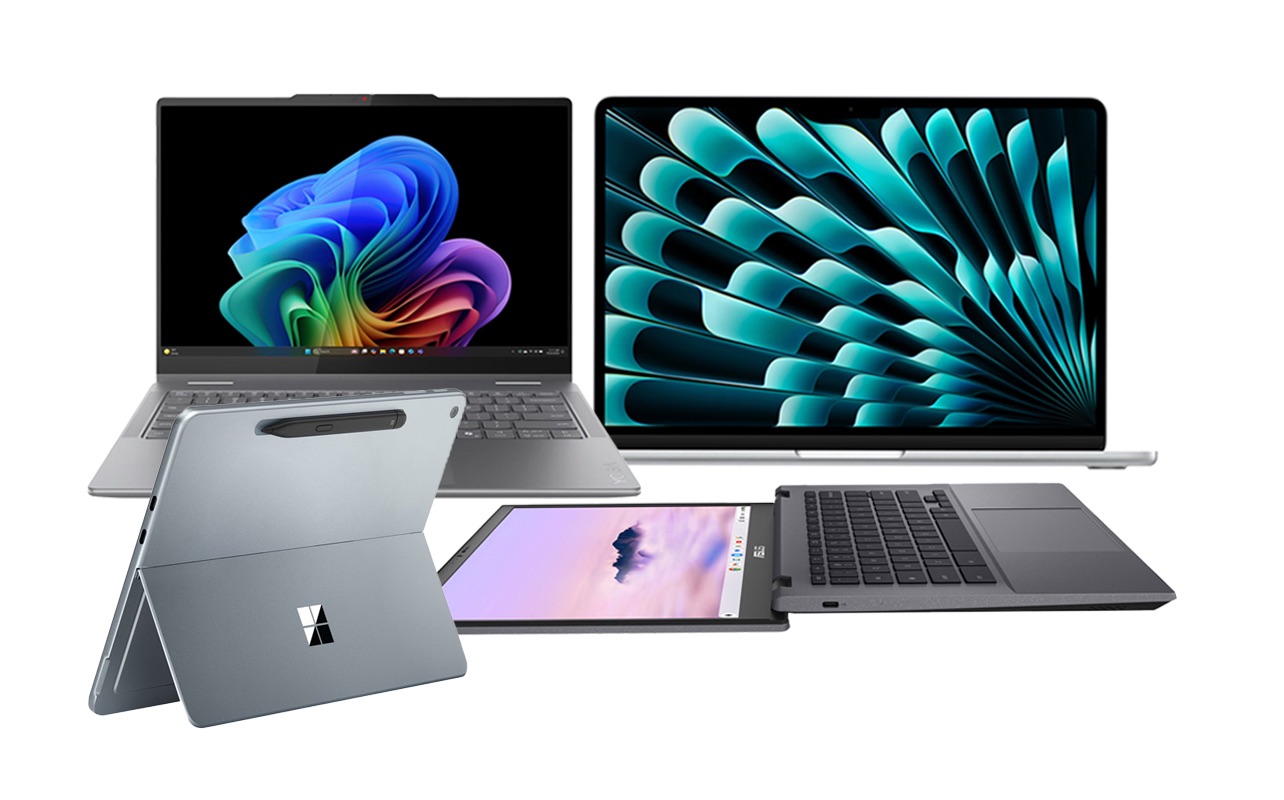
· Windows 11 (with Copilot+): This is the “do anything” category. Need a 2‑in‑1 tablet/laptop? Windows. Need a desktop‑replacement workstation with discrete graphics? Windows. Looking for a budget machine under $600? Windows. The new wave of Copilot+ PCs (with dedicated NPUs) brings AI features like real‑time translation, system‑wide summarisation, and advanced Windows Studio Effects directly on device—no cloud required.
· ChromeOS (Chromebook Plus): Chromebooks have grown up. The “Chromebook Plus” tier guarantees a minimum spec (Intel Core i3 or AMD Ryzen 3, 8GB RAM, 128GB SSD) and unlocks powerful AI features like built‑in generative photo editing and hands‑free Google Meet enhancements. If 90% of your work lives in a browser or Android apps, a Chromebook offers simplicity, security, and often 10+ hours of battery life for a fraction of the price.

The “3 Pillars” of Performance

You don’t need to know what a “neural processing unit” does under the hood. You just need to understand the three components that actually matter for speed.

The Processor (CPU + NPU)

In 2026, it’s all about the NPU (Neural Processing Unit)—a dedicated chip for AI tasks. A laptop without a decent NPU will feel sluggish in upcoming software.

· Intel: Core Ultra 5 or 7 (Series 2). Avoid older “Core i” models unless you’re on a strict budget.
· AMD: Ryzen AI 7 or 9. Excellent integrated graphics and strong NPU performance.
· Qualcomm: Snapdragon X Elite / X Plus. These ARM‑based chips offer MacBook‑like battery life and silent operation. Just verify that your must‑have apps have native ARM versions or run well under emulation.
· Apple: M4 or M5. Don’t worry about core counts—any of them are blazing fast for 95% of users.

Bottom line: Aim for a chip with an NPU capable of at least 40 TOPS (trillion operations per second)—that’s the baseline for full Copilot+ AI features on Windows.

Memory (RAM)

This is still non‑negotiable. Do not buy a laptop with 8GB of RAM in 2026. It will choke the moment you have a dozen browser tabs, a video call, and an AI assistant running. 16GB is the new minimum. If you do video editing, run virtual machines, or keep hundreds of tabs open, go for 32GB.

Storage (SSD)

NVMe SSDs are standard. Aim for at least 512GB. If you edit video, work with large creative assets, or install multiple AAA games, 1TB is a safer bet. Some ultra‑thin laptops have soldered storage—choose carefully if you think you’ll need to upgrade later.

The Window to Your World: The Display

You look at the screen 100% of the time. Don’t skimp here.

· Resolution: Avoid anything labeled “HD” (1366×768). FHD+ (1920×1200) is the bare minimum. For creative work or media consumption, 2.8K (2880×1800) or 3.2K displays are common and gorgeous.
· OLED vs. IPS / LCD: OLED remains king for contrast and colour—perfect for movies, photo editing, and HDR content. Battery life on OLED has improved significantly, but if you leave static elements on screen for hours, consider a high‑quality IPS or Mini‑LED display (like Apple’s Liquid Retina XDR or Windows “HDR 1000” panels) to avoid any risk of burn‑in.
· Refresh Rate: For gamers and even casual scrollers, 120Hz or higher makes everything feel smoother. For office work, 60Hz is still fine.

Ports, Battery, and the “Dongle Life”

One of the biggest complaints remains the lack of ports on sleek laptops.

· USB‑C / Thunderbolt: Most premium laptops rely entirely on USB‑C (Thunderbolt 4 or 5 on Intel models). If you still use USB‑A peripherals or need HDMI out, factor a small dongle or hub into your budget.
· Battery Life: Look for advertised “all‑day” claims, but read reviews. ARM‑based laptops (MacBooks, Snapdragon X Elite) routinely hit 15–20 hours. x86 laptops (Intel/AMD) have improved but typically land in the 8–12 hour range.
· Weight: If you commute daily, stay under 3.5 lbs. Ultra‑portables under 2.5 lbs are now common and powerful enough for most tasks.

Quick Picks for Every Type of User

If you just want the shortlist, here are the archetypes to search for:

· The Student: MacBook Air (M4) or a Snapdragon X Elite Copilot+ PC (e.g., Dell XPS 13, Lenovo Slim 7x). Both are light, have all‑day battery, and handle everything from essays to light creative work.
· The Office Warrior: Lenovo ThinkPad X1 Carbon (Gen 13) or Dell Latitude 9450. The ThinkPad still has the best keyboard in the business, and both offer enterprise‑grade build quality, 5G options, and superb AI meeting features.
· The Creative (Photo/Video): MacBook Pro 14/16 (M4 Pro/Max) or Asus ProArt P16. Look for OLED or Mini‑LED displays with high colour accuracy (DCI‑P3 or AdobeRGB coverage).
· The Gamer on the Go: Asus ROG Zephyrus G14 (2026 model) or Razer Blade 14. These pack NVIDIA GeForce RTX 50‑series GPUs into relatively portable chassis without the over‑the‑top gamer aesthetic.
· The Budget Conscious: Acer Swift Go 14 or HP Pavilion Aero 13. You can often find solid configurations with 16GB RAM, 512GB SSD, and a decent OLED screen for under $800.

The Bottom Line

Don’t get caught in the spec war. A laptop is a tool—and in 2026, AI integration, battery life, and real‑world usability matter more than peak teraflops.

Before you click “buy,” ask yourself: Does this machine make my daily workflow smoother, or am I paying for features I’ll never use?

Focus on getting 16GB of RAM (or more), a modern processor with a capable NPU, and a screen you can comfortably stare at for hours. Hit those three marks, and you’ll be happy with your purchase for years to come.

What are you using your laptop for in 2026? Drop a comment below—I’m happy to suggest specific models for your budget and workflow!
Galaxy S25 vs iPhone 17 Pro: I’ve Used Both, Here’s My Honest Take

Living with Both: My Honest Take on the Galaxy S25 and iPhone 17 Pro

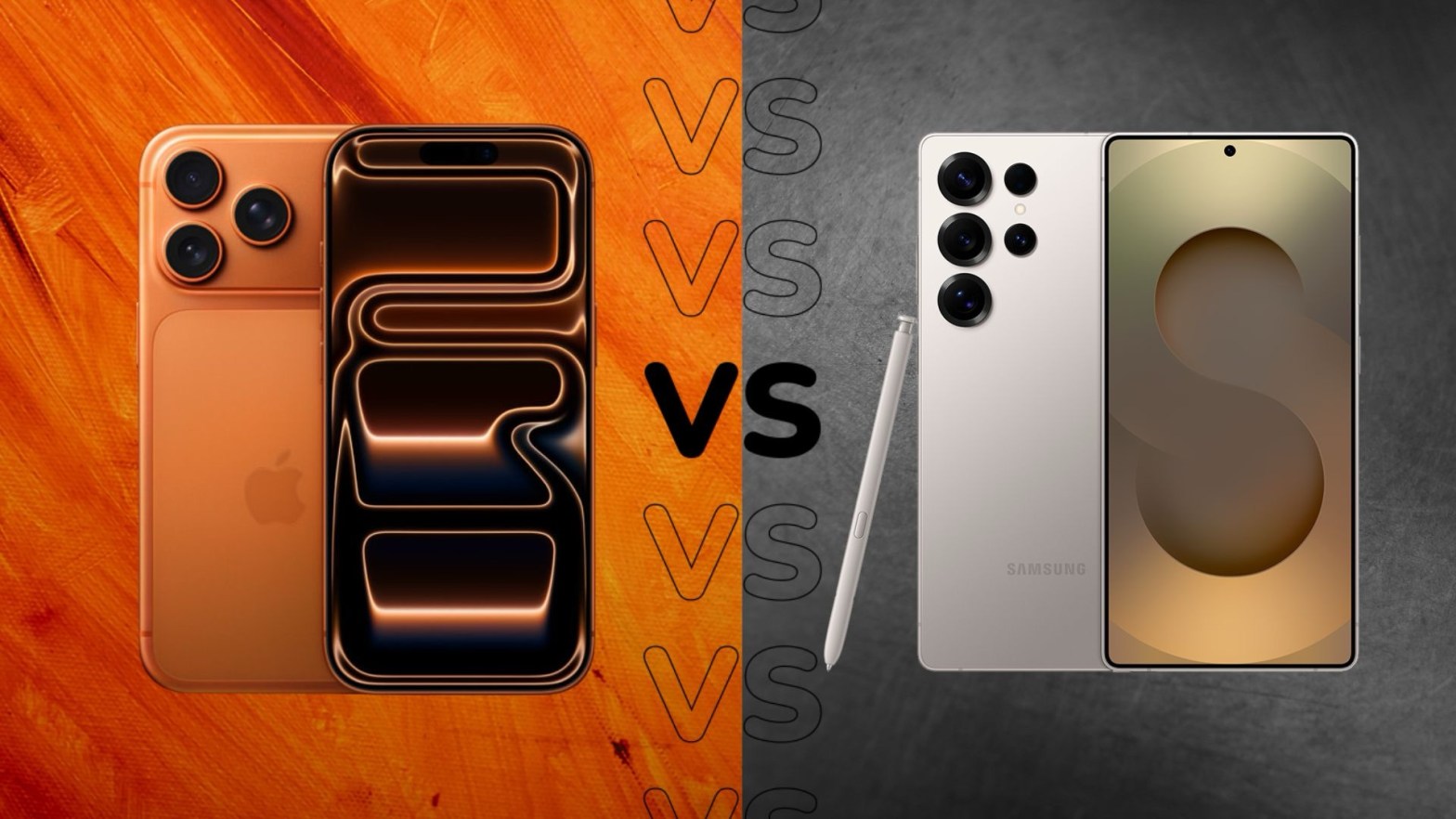
I’m that person—the one with two phones in my pocket. One Android, one iOS. And over the past few weeks, I’ve been putting the Samsung Galaxy S25 and the iPhone 17 Pro through their paces side by side. Not just reading spec sheets, but actually living with them: shooting photos at concerts, texting in group chats, navigating cities, and trying to keep both batteries alive.

If you’re torn between these two flagships, maybe my experience can help you decide. Spoiler: they’re both fantastic, but they’re fantastic in very different ways.

First Impressions: What Your Hand Notices

The moment you pick up the Galaxy S25, the first thing that hits you is how ridiculously light it is. 162 grams is almost featherweight for a modern smartphone. It’s a 6.2‑inch screen, but it feels smaller in hand—easy to use one‑handed, slides into a jeans pocket without weighing you down. The hole‑punch camera is subtle, and the whole thing feels slim and sleek.

Then you pick up the iPhone 17 Pro. It’s not huge—6.3 inches—but it’s noticeably heavier at 204g. That extra weight gives it a solid, premium feel. The Dynamic Island (the pill‑shaped cutout) is still there, and it’s become genuinely useful for me—showing timers, music, or Uber progress without having to open an app. The screen on the iPhone also gets ridiculously bright; Apple claims 3,000 nits peak outdoor brightness, and I believe it. On a sunny day, I can read the iPhone screen without any squinting. The S25 hits about 2,600 nits, which is still great, but the iPhone wins the outdoor visibility contest.

If you prioritize a light, compact phone, the S25 is the clear winner. If you like a solid, bright screen and you enjoy the Dynamic Island interactions, the iPhone feels more substantial.

Performance: No Slouches Here

Under the hood, both are using cutting‑edge 3nm processors. The iPhone has the A19 Pro, and the Galaxy packs the Snapdragon 8 Elite for Galaxy. I’ve thrown everything at them—gaming, multitasking with split‑screen (on the Galaxy) or Stage Manager (on the iPad, though the iPhone handles heavy apps well), and exporting video clips.

Realistically, both are overkill for 99% of what anyone does. I never experienced a single stutter or app reload on either device, thanks in part to both now having 12GB of RAM. That’s new for the iPhone Pro (non‑Max), and it finally matches the S25.

Where I notice a difference is sustained load. When I’m playing a demanding game like Genshin Impact, the iPhone 17 Pro tends to hold its frame rate longer before any minor throttling. The S25 is a beast, but it can get warm faster, and I sometimes feel it dial things back after 30–40 minutes. On the flip side, the Galaxy’s AI features—especially things like real‑time translation and “Circle to Search”—feel snappier because they’re processed on‑device. So it really depends on what you value: sustained gaming performance, or AI‑powered productivity.

Cameras: A Tale of Two Philosophies

This is where the differences really shine—and where I find myself switching phones depending on the situation.

The iPhone 17 Pro has finally given all three rear lenses a 48MP sensor. That means the telephoto lens is a huge step up—4x optical zoom with excellent quality. For video, Apple is still king. I shot some 4K ProRes footage at a family gathering, and the stabilization, color accuracy, and dynamic range are unmatched. The front camera is now 18MP with Center Stage, which is fantastic for video calls; it actually pans to keep me in frame when I move around.

The Galaxy S25 sticks with a 50MP main sensor and a 10MP telephoto (3x optical). On paper, the iPhone’s zoom wins. But in practice, Samsung’s AI processing often produces photos that look more vibrant and ready to share without editing. Where the S25 really surprises me is in the editing tools. The Audio Eraser feature is a lifesaver—I recorded a video at a busy café, and later I could remove the background chatter and coffee machine noise, leaving just the conversation. It’s not perfect, but it’s shockingly good. There’s also object eraser and AI‑generated fills that feel like magic.

So which one is better? If you shoot a lot of video or want the most natural, color‑accurate photos, the iPhone is my go‑to. If you want to get creative with editing after the fact—removing distractions, cleaning up audio—the S25 gives you tools you just can’t get on iOS.

Battery and Charging: Small Differences, Real Impact

Battery life is always a concern, and here the iPhone edges out. With the A19 Pro’s efficiency, I consistently end a heavy day (lots of 5G, camera use, and streaming) with around 20–30% left on the iPhone. The S25’s 4000 mAh battery is decent, but I often find myself reaching for a charger by early evening if I’ve been using it heavily.

Charging speeds are also slightly in Apple’s favor this time. The iPhone supports 30W wired charging (50% in about 20 minutes), while the S25 maxes out at 25W. Not a huge gap, but it’s noticeable when you’re in a hurry. Both do wireless charging, though the iPhone’s MagSafe ecosystem is more mature—I have a car mount that charges automatically, which is a nice convenience.

Software and AI: Two Different Worlds

This is the biggest philosophical divide. I’ve been using both iOS 26 on the iPhone and Android 15 with One UI 7 on the Galaxy, and they approach “intelligence” very differently.

Samsung’s Galaxy S25 feels like an AI‑first device. The Now Brief feature is a card that shows up in the morning with my weather, schedule, and commute time. It’s smart without being intrusive. Circle to Search (powered by Google Gemini) is something I now use constantly—just long‑press the home button and circle anything on screen to search it. I also rely on Call Assist for live translations when I’m talking to my relatives who speak different languages. If you like customizing your phone with widgets, launchers, and automation (via Good Lock or Tasker), the S25 is a playground.

Apple’s iPhone 17 Pro takes a more privacy‑first, subtle approach with “Apple Intelligence.” It summarizes my notification stacks, prioritizes emails, and suggests text snippets. It’s less flashy, but deeply integrated. If you own a Mac, iPad, or Apple Watch, the iPhone is the hub that ties everything together—I can copy something on my phone and paste it on my Mac instantly, answer calls from any device, and use AirDrop constantly. It’s the ultimate ecosystem experience.

So for me, the S25 feels like a brilliant standalone tool for getting things done with AI assistance. The iPhone feels like the centerpiece of a connected digital life.

Which One Would I Keep?

If someone forced me to choose one, it would come down to what I value most in that season of life.

I’d pick the Galaxy S25 if:

· I wanted a phone that disappears in my pocket and is easy to use one‑handed.
· I loved experimenting with AI tools like real‑time translation, audio eraser, and customizable widgets.
· I preferred a slightly lower upfront cost (the S25 is generally more affordable than the iPhone 17 Pro).

I’d pick the iPhone 17 Pro if:

· I was deep in the Apple ecosystem (and I am—I use a Mac for work).
· I shot video regularly, especially in challenging lighting or with moving subjects.
· I valued that extra bit of battery life and the super‑bright screen for outdoor use.

The truth is, both phones are overachievers. The S25 is the ultimate compact AI companion; the iPhone 17 Pro is the polished, ecosystem‑first powerhouse. If you can afford it, owning both gives you the best of both worlds. But if you have to choose, ask yourself whether you want a device that feels like a clever Swiss Army knife (S25) or one that feels like a seamless extension of your digital life (iPhone).

Let me know in the comments which camp you fall into—or if you’re also carrying two phones like me.

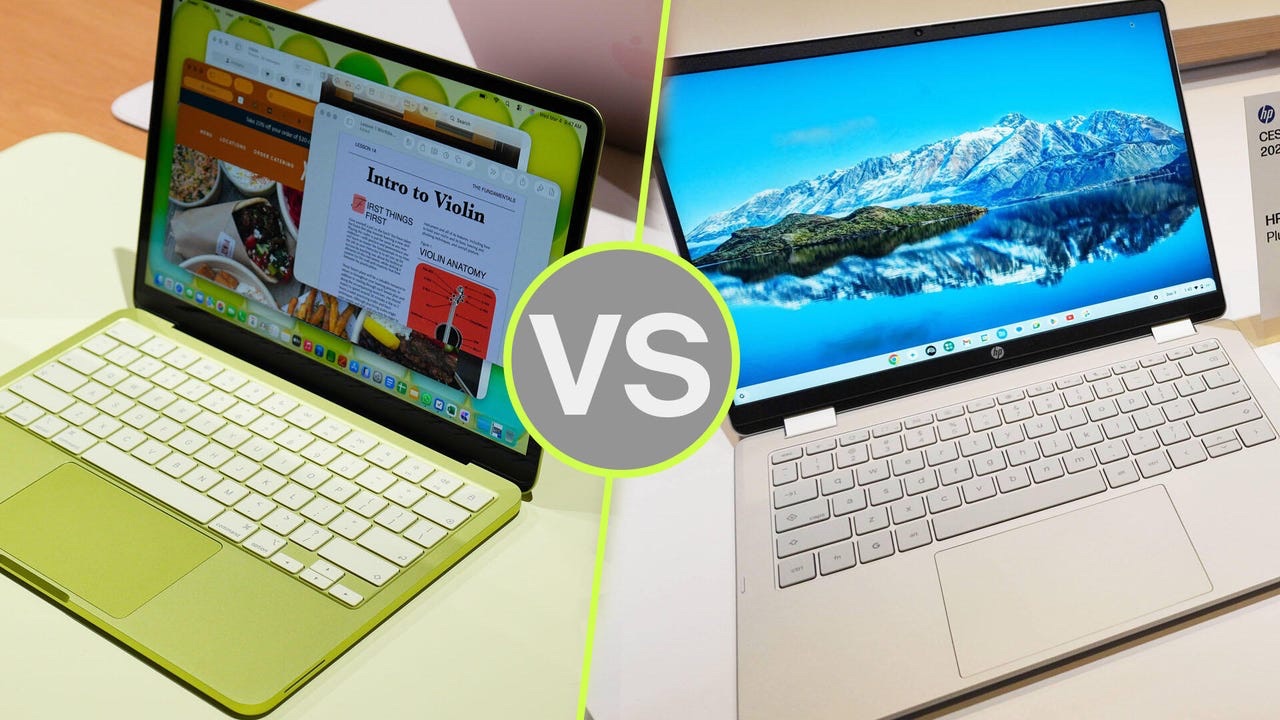
MacBook Neo vs Budget Windows Laptop: A Practical Buyer’s Guide

If you’re hunting for a laptop in 2026, odds are you’re stuck between a cheap Windows laptop and the new MacBook Neo.

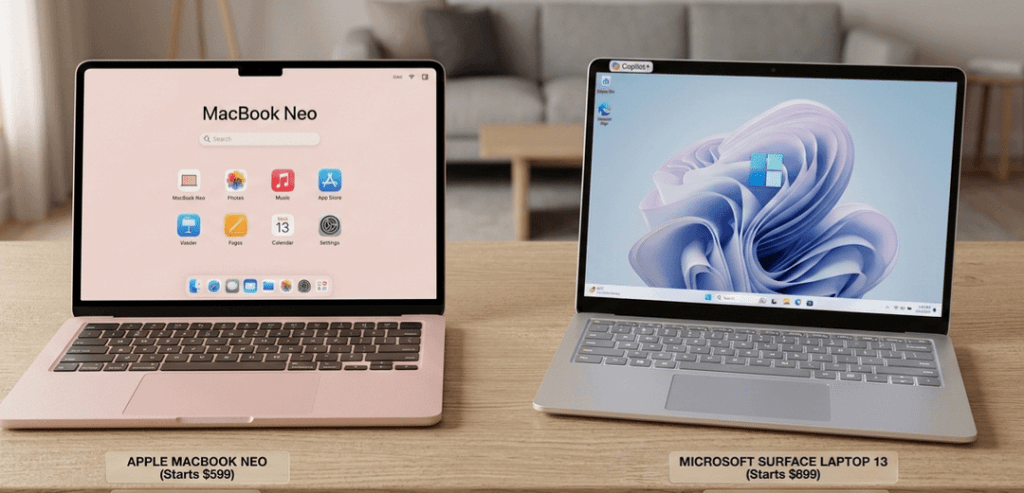
Apple rolled out the Neo to take on entry-level PCs and Chromebooks head-on. It’s the lowest-priced MacBook ever, starting at $599 USD (about $799 CAD).

But is it actually better than a budget Windows laptop? Or are you just paying extra for that Apple logo?

Let’s break it down, plain and simple.

Design and Build Quality

Here’s where the MacBook Neo pulls ahead, no contest.

Apple gives you a full aluminum chassis at a price where you’d usually just get plastic. Most cheap Windows laptops feel flimsy in comparison and wear out faster.

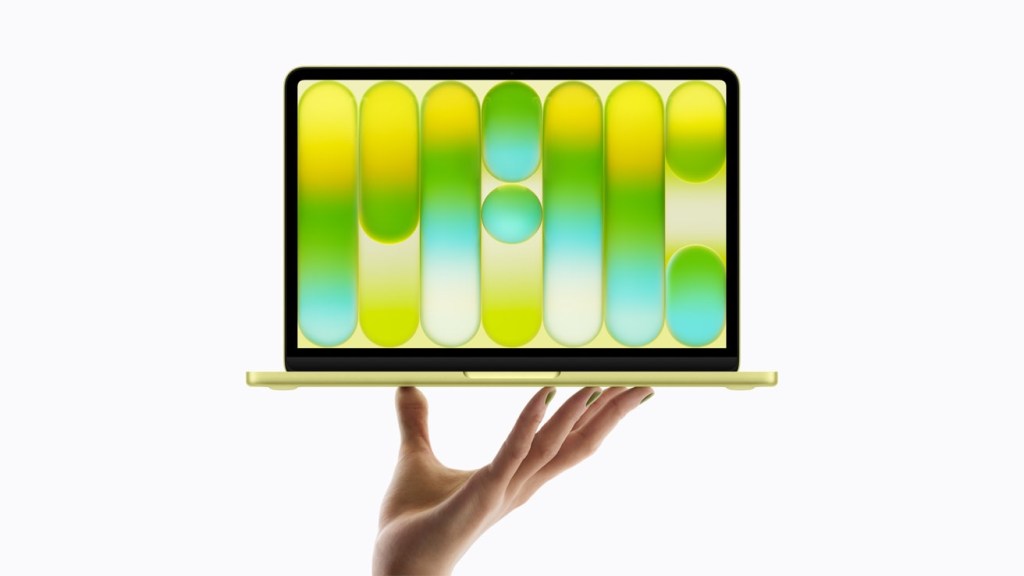
It’s light, too just 2.7 pounds. Plus, you get a few color choices: silver, indigo, citrus, and blush.

Most budget Windows laptops cut corners on design. Expect thick bezels, bulkier builds, and keyboards that don’t feel great.

Bottom line: If you care about looks and durability, the Neo wins hands down.

Performance

The Neo runs on Apple’s A18 Pro chip the same powerhouse you’ll find in top-tier iPhones.

For everyday stuff like browsing, editing docs, streaming, and basic photo work, it’s quick and responsive. Apple claims it’s up to 50% faster than some PCs in the same price range.

But there’s something you need to know: the Neo comes with only 8GB of RAM, and you can’t upgrade it.

Many Windows laptops in this bracket let you bump the RAM up to 16GB or more, which is better for multitasking and future-proofing.

So, if your work is light and straightforward, the Neo has you covered. But if you want to upgrade down the road or push your laptop harder, Windows is probably the safer bet.

Battery Life

This is the Neo’s sweet spot.

The fanless Apple chip sips power, so you’re looking at 13+ hours on a single charge. That leaves most budget Windows laptops in the dust, which tend to last 6 to 10 hours and get noisy under pressure.

No surprises here the Neo crushes it on battery life.

Software and Ecosystem

This one really comes down to what you’re already using and what you need.

With the Neo, you get all the perks of macOS: solid privacy controls, apps made to run smoothly, and super easy syncing with your iPhone and other Apple gear.

On the other side, Windows still leads for gaming, business software, and running old-school apps.

If you’re deep in the Apple world, the Neo feels right at home. But if you need the widest compatibility, Windows is the way to go.

Ports and Expandability

Windows laptops take this round.

The MacBook Neo gives you just two USB-C ports and a headphone jack no USB-A, HDMI, or SD card slot. No chance to upgrade storage or RAM, either.

Budget Windows laptops usually offer more: extra ports, sometimes even upgradeable parts.

So, if you need to plug in lots of stuff or want the option to upgrade, Windows wins.

Who should buy the MacBook Neo?

Go for the Neo if you’re a student, a writer, a casual user, or already use a bunch of Apple devices. You’ll get a slick, long-lasting laptop that handles everyday tasks with ease.

Who Should Buy a Budget Windows Laptop?

A Windows laptop makes more sense if you want more ports, plan to upgrade RAM or storage, need to run Windows-only apps, or want to play games.

Final Verdict

The MacBook Neo is easily Apple’s best bang-for-your-buck laptop yet. Premium look and feel, killer battery life, and smooth performance.

But 8GB of non-upgradeable RAM and only a couple of ports mean it’s not for everyone.

If you want something simple, reliable, and portable, get the MacBook Neo. But if you care about flexibility and options, stick with a budget Windows laptop. That’s still the smarter move for a lot of people.