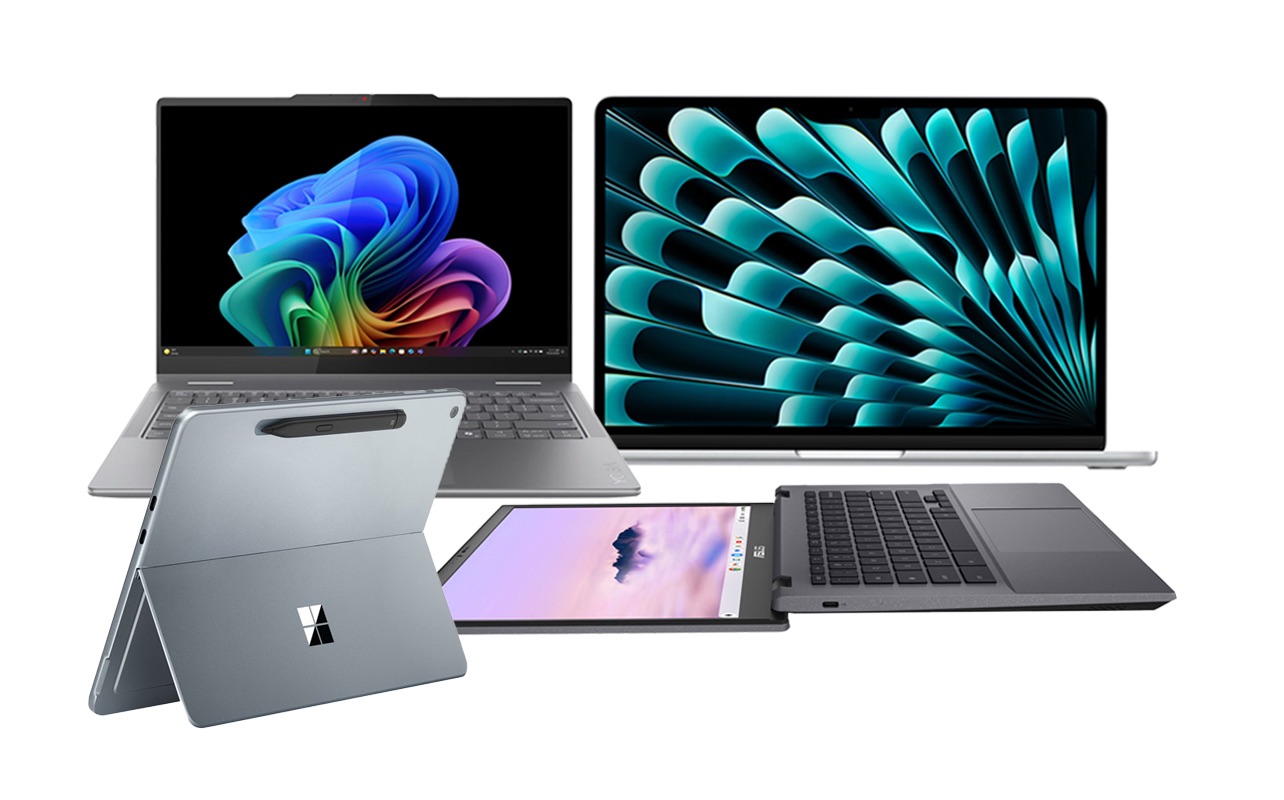
Let’s be honest: buying a laptop is still stressful.
You open a browser, type in “best laptop 2026,” and suddenly you’re drowning in jargon. AI accelerators, OLED vs. QD‑LED, Snapdragon X Elite, Copilot+ PC, Thunderbolt 5. It feels like you need a computer science degree just to pick a machine for email and Netflix.
But here’s the truth: the “best” laptop isn’t the one with the highest spec sheet. It’s the one that actually fits your life—whether you’re a student juggling AI‑powered study tools, a creative editing 8K video, or a remote worker who lives on video calls.
This guide cuts through the noise. Let’s find your next machine.
The OS Debate: Apple, Windows, or ChromeOS?
Your ecosystem choice still dictates your entire experience, but in 2026, the lines are blurrier—and AI is everywhere.
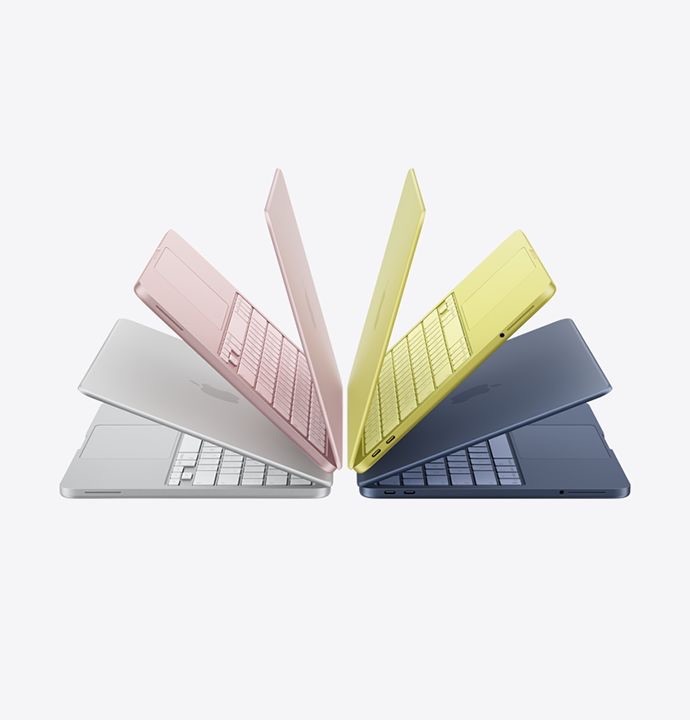
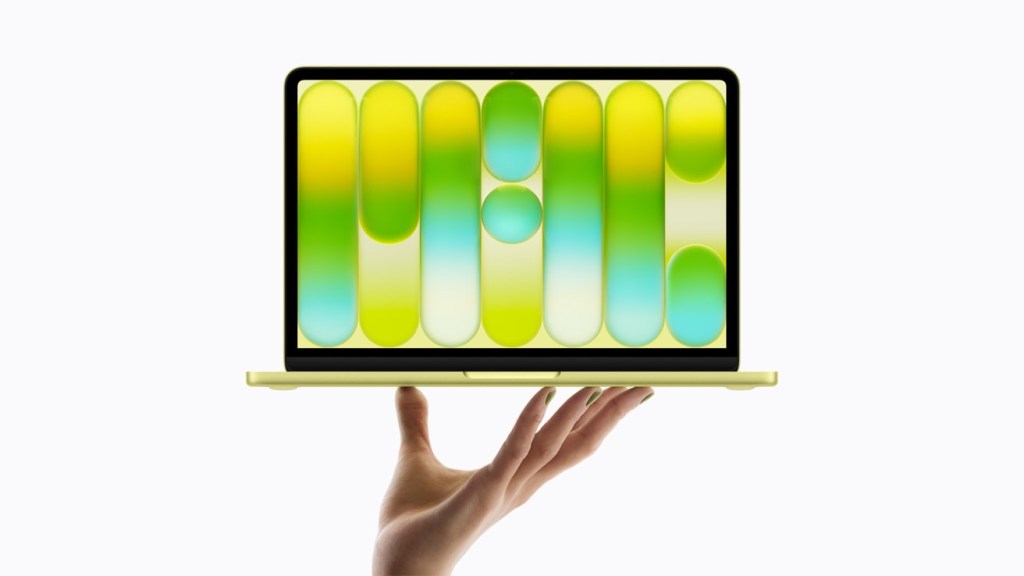
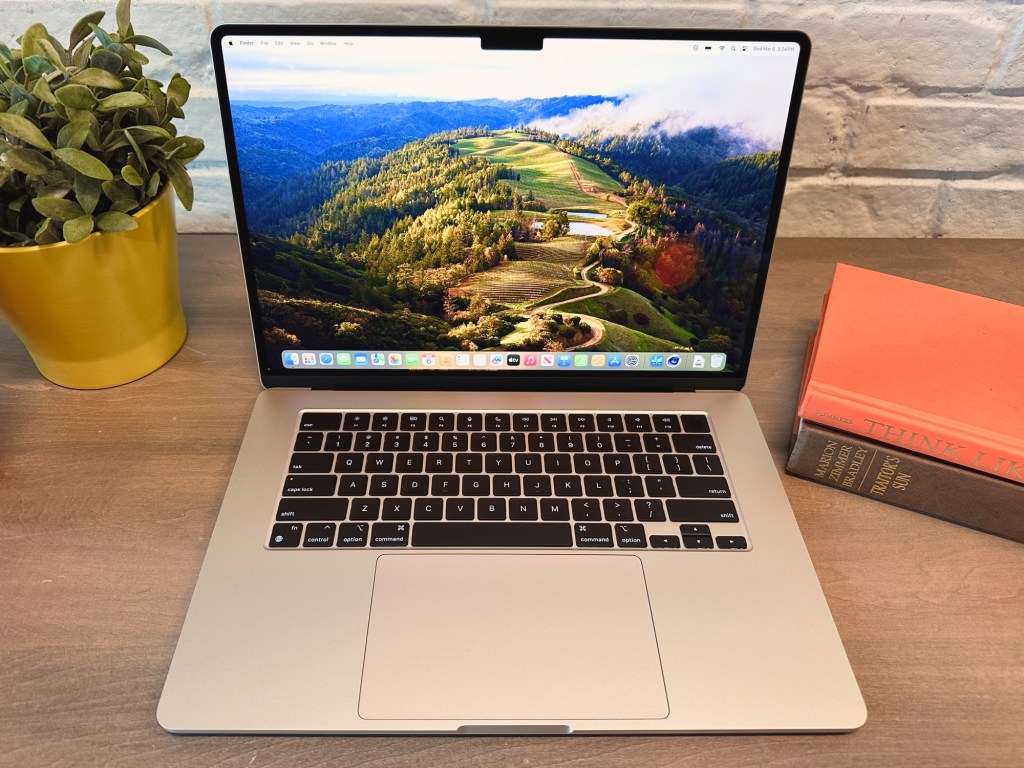
· Apple (macOS Sequoia): Apple’s M‑series chips (now M4 and M5) continue to dominate in battery life and raw efficiency. If you’re embedded in the Apple ecosystem (iPhone, iPad, iCloud), the synergy is unmatched. The MacBook Air remains the gold standard for students and professionals who want all‑day battery without a fan. Downsides: gaming is still limited, and upgrading RAM or storage at purchase is pricey.
· Windows 11 (with Copilot+): This is the “do anything” category. Need a 2‑in‑1 tablet/laptop? Windows. Need a desktop‑replacement workstation with discrete graphics? Windows. Looking for a budget machine under $600? Windows. The new wave of Copilot+ PCs (with dedicated NPUs) brings AI features like real‑time translation, system‑wide summarisation, and advanced Windows Studio Effects directly on device—no cloud required.
· ChromeOS (Chromebook Plus): Chromebooks have grown up. The “Chromebook Plus” tier guarantees a minimum spec (Intel Core i3 or AMD Ryzen 3, 8GB RAM, 128GB SSD) and unlocks powerful AI features like built‑in generative photo editing and hands‑free Google Meet enhancements. If 90% of your work lives in a browser or Android apps, a Chromebook offers simplicity, security, and often 10+ hours of battery life for a fraction of the price.
The “3 Pillars” of Performance
You don’t need to know what a “neural processing unit” does under the hood. You just need to understand the three components that actually matter for speed.
The Processor (CPU + NPU)
In 2026, it’s all about the NPU (Neural Processing Unit)—a dedicated chip for AI tasks. A laptop without a decent NPU will feel sluggish in upcoming software.
· Intel: Core Ultra 5 or 7 (Series 2). Avoid older “Core i” models unless you’re on a strict budget.
· AMD: Ryzen AI 7 or 9. Excellent integrated graphics and strong NPU performance.
· Qualcomm: Snapdragon X Elite / X Plus. These ARM‑based chips offer MacBook‑like battery life and silent operation. Just verify that your must‑have apps have native ARM versions or run well under emulation.
· Apple: M4 or M5. Don’t worry about core counts—any of them are blazing fast for 95% of users.
Bottom line: Aim for a chip with an NPU capable of at least 40 TOPS (trillion operations per second)—that’s the baseline for full Copilot+ AI features on Windows.
Memory (RAM)
This is still non‑negotiable. Do not buy a laptop with 8GB of RAM in 2026. It will choke the moment you have a dozen browser tabs, a video call, and an AI assistant running. 16GB is the new minimum. If you do video editing, run virtual machines, or keep hundreds of tabs open, go for 32GB.
Storage (SSD)
NVMe SSDs are standard. Aim for at least 512GB. If you edit video, work with large creative assets, or install multiple AAA games, 1TB is a safer bet. Some ultra‑thin laptops have soldered storage—choose carefully if you think you’ll need to upgrade later.
The Window to Your World: The Display
You look at the screen 100% of the time. Don’t skimp here.
· Resolution: Avoid anything labeled “HD” (1366×768). FHD+ (1920×1200) is the bare minimum. For creative work or media consumption, 2.8K (2880×1800) or 3.2K displays are common and gorgeous.
· OLED vs. IPS / LCD: OLED remains king for contrast and colour—perfect for movies, photo editing, and HDR content. Battery life on OLED has improved significantly, but if you leave static elements on screen for hours, consider a high‑quality IPS or Mini‑LED display (like Apple’s Liquid Retina XDR or Windows “HDR 1000” panels) to avoid any risk of burn‑in.
· Refresh Rate: For gamers and even casual scrollers, 120Hz or higher makes everything feel smoother. For office work, 60Hz is still fine.
Ports, Battery, and the “Dongle Life”
One of the biggest complaints remains the lack of ports on sleek laptops.
· USB‑C / Thunderbolt: Most premium laptops rely entirely on USB‑C (Thunderbolt 4 or 5 on Intel models). If you still use USB‑A peripherals or need HDMI out, factor a small dongle or hub into your budget.
· Battery Life: Look for advertised “all‑day” claims, but read reviews. ARM‑based laptops (MacBooks, Snapdragon X Elite) routinely hit 15–20 hours. x86 laptops (Intel/AMD) have improved but typically land in the 8–12 hour range.
· Weight: If you commute daily, stay under 3.5 lbs. Ultra‑portables under 2.5 lbs are now common and powerful enough for most tasks.
Quick Picks for Every Type of User
If you just want the shortlist, here are the archetypes to search for:
· The Student: MacBook Air (M4) or a Snapdragon X Elite Copilot+ PC (e.g., Dell XPS 13, Lenovo Slim 7x). Both are light, have all‑day battery, and handle everything from essays to light creative work.
· The Office Warrior: Lenovo ThinkPad X1 Carbon (Gen 13) or Dell Latitude 9450. The ThinkPad still has the best keyboard in the business, and both offer enterprise‑grade build quality, 5G options, and superb AI meeting features.
· The Creative (Photo/Video): MacBook Pro 14/16 (M4 Pro/Max) or Asus ProArt P16. Look for OLED or Mini‑LED displays with high colour accuracy (DCI‑P3 or AdobeRGB coverage).
· The Gamer on the Go: Asus ROG Zephyrus G14 (2026 model) or Razer Blade 14. These pack NVIDIA GeForce RTX 50‑series GPUs into relatively portable chassis without the over‑the‑top gamer aesthetic.
· The Budget Conscious: Acer Swift Go 14 or HP Pavilion Aero 13. You can often find solid configurations with 16GB RAM, 512GB SSD, and a decent OLED screen for under $800.
The Bottom Line
Don’t get caught in the spec war. A laptop is a tool—and in 2026, AI integration, battery life, and real‑world usability matter more than peak teraflops.
Before you click “buy,” ask yourself: Does this machine make my daily workflow smoother, or am I paying for features I’ll never use?
Focus on getting 16GB of RAM (or more), a modern processor with a capable NPU, and a screen you can comfortably stare at for hours. Hit those three marks, and you’ll be happy with your purchase for years to come.
What are you using your laptop for in 2026? Drop a comment below—I’m happy to suggest specific models for your budget and workflow!
 Tech Nova