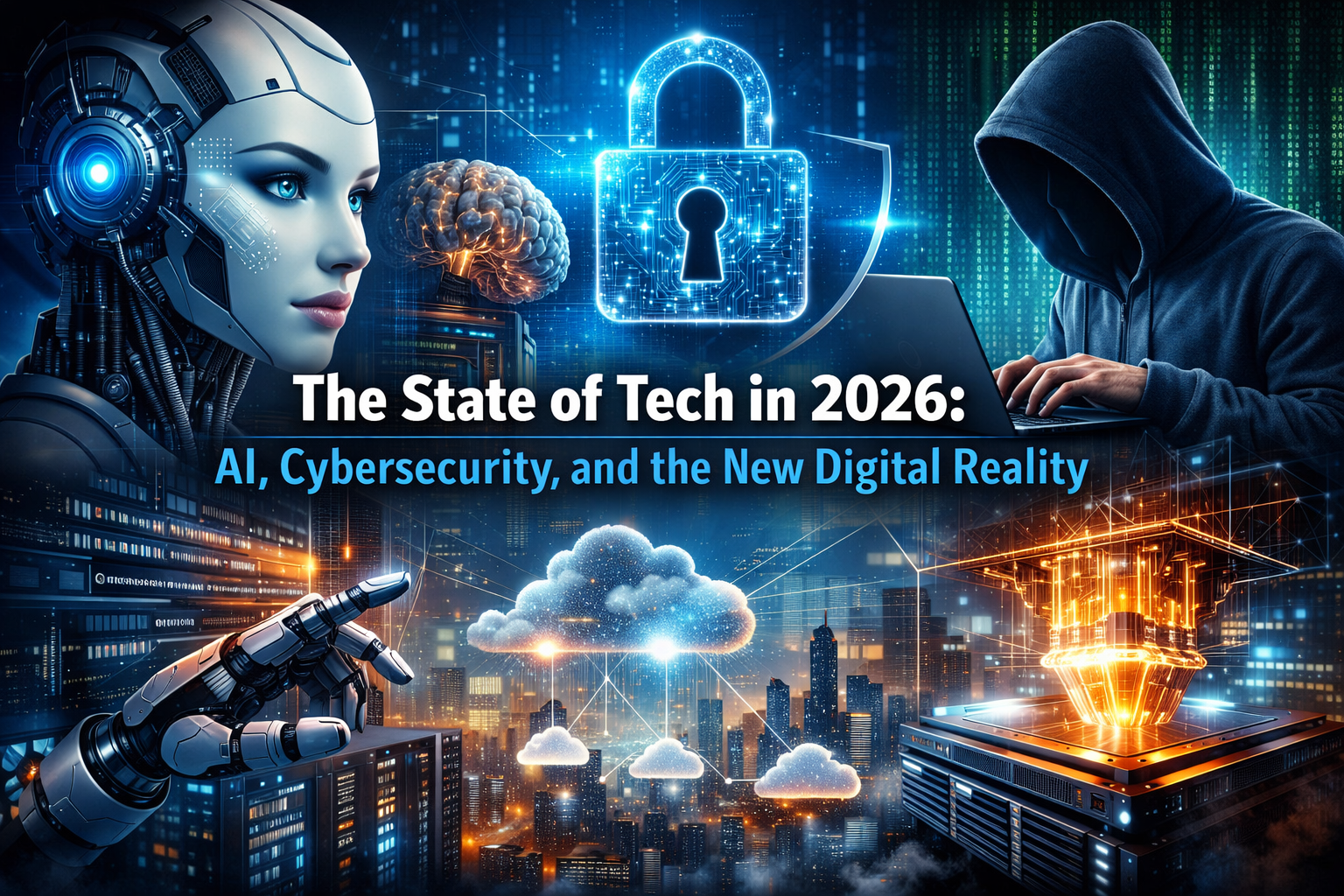
The technology landscape in 2026 isn’t just evolving—it’s accelerating at a pace that’s forcing businesses, developers, and everyday users to rethink how they interact with the digital world. What once felt like “emerging trends” are now foundational pillars: artificial intelligence, cybersecurity, and cloud infrastructure.
But this year marks a turning point. It’s no longer about experimenting with new tech—it’s about controlling it, securing it, and making it actually deliver value.
AI Has Moved From Hype to Responsibility
Over the past few years, AI has gone from flashy demos to real-world deployment. In 2026, companies are no longer asking “Can we use AI?”—they’re asking “How do we use it safely and profitably?”
Organizations are increasingly shifting toward specialized AI models trained on industry-specific data. These systems are more accurate, more efficient, and easier to govern. (Hardis Group)
At the same time, AI is becoming a double-edged sword:
- It powers automation, analytics, and decision-making
- But it also introduces new risks like data leaks and misuse
In fact, AI is now considered the single biggest driver of change in cybersecurity, reshaping both how attacks are carried out and how defenses respond. (World Economic Forum)
The takeaway? AI is no longer optional—but unmanaged AI is a liability.
Cybersecurity Is Now a Business Priority—Not Just IT
Cybersecurity has officially moved out of the server room and into the boardroom.
In 2026, cyber risk is tightly connected to business survival. A breach isn’t just a technical failure—it’s a financial, legal, and reputational crisis. (Forbes)
Several major shifts are defining this new era:
1. AI-Powered Attacks Are Getting Smarter
Hackers are using AI to automate attacks, generate convincing phishing messages, and exploit systems faster than ever.
2. Defense Is Becoming Automated Too
Security teams are deploying AI to detect threats in real time, respond instantly, and reduce human workload.
3. Quantum Computing Is Changing the Game
Post-quantum cryptography is no longer theoretical—organizations are actively preparing for a future where current encryption may become obsolete. (Forbes)
The result is a high-stakes arms race: AI vs. AI.
Cloud Computing Is Facing a Reality Check
Cloud used to promise unlimited scalability and predictable costs. In 2026, that illusion is fading.
With the explosion of AI workloads, cloud infrastructure is under pressure:
- Compute resources are harder to secure
- Costs are becoming more volatile
- Performance bottlenecks are more common
This is pushing companies toward hybrid cloud strategies, combining public and private systems for better control and resilience. (TechRadar)
At the same time, data centers are becoming the backbone of the global economy—powering everything from banking to healthcare to AI itself. (The Australian)
In short: the cloud isn’t disappearing—it’s maturing.
The Privacy vs. Convenience Dilemma
As technology becomes more embedded in daily life, a critical tension is emerging: privacy vs. convenience.
AI systems rely on massive amounts of personal data to function effectively. But that same data raises serious concerns about surveillance, misuse, and lack of regulation. (New York Post)
Consumers are increasingly aware of the trade-off:
- More personalization and smarter tools
- In exchange for less control over their data
And right now, regulation is struggling to keep up.
What This Means for the Future
If there’s one theme that defines 2026, it’s this: technology is growing up.
We’re entering an era where success isn’t about adopting the newest tools—it’s about:
- Building secure, resilient systems
- Using AI responsibly and transparently
- Designing infrastructure that can adapt to uncertainty
The companies that win won’t be the ones with the most advanced tech—they’ll be the ones that can manage complexity without losing control.
Final Thoughts
2026 isn’t the year of breakthrough innovation—it’s the year of accountability.
AI, cybersecurity, and cloud computing are no longer separate conversations. They’re deeply interconnected, shaping a digital ecosystem that demands smarter decisions and stronger safeguards.
The question isn’t what technology can do anymore.
It’s whether we’re ready to handle what it brings.
In this blog i write these articles more than once a week. Subscribe so you don’t miss out on other articles.








 Tech Nova